15 Oct 2026 · Motion & Animation
Mobile app promo video: from screen recording to a premium ad
How to make an app or SaaS promo video: real screen recordings, a 3D phone and card animations, an edit locked to the voice-over, and matching store visuals. With İYİYİM! and GYS Adalet as examples.
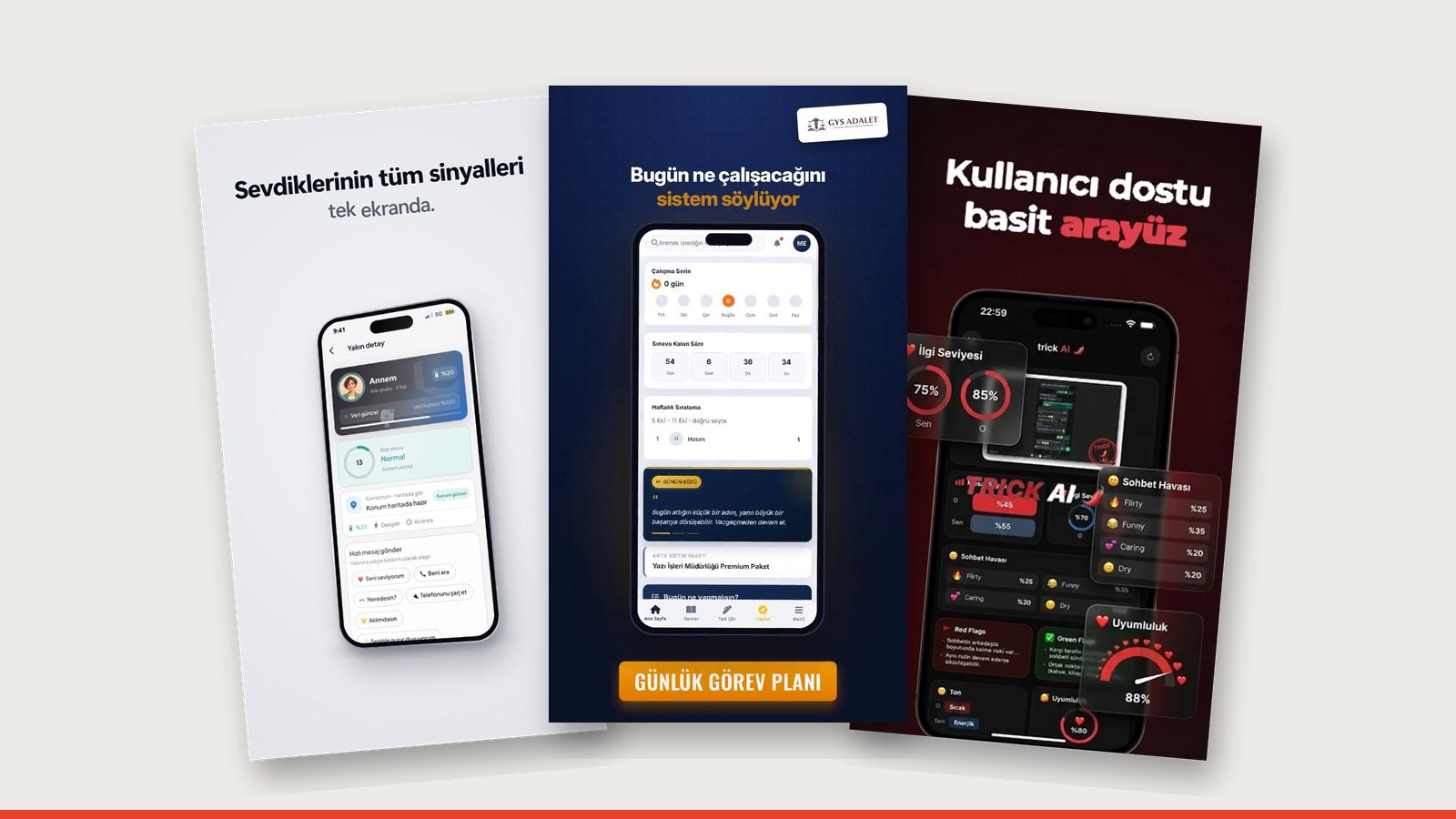
A good app promo video uses the app's real screens but doesn't look like a screen recording. The screens sit inside a 3D phone, key cards break out of it, and every feature appears exactly as the voice-over says it. The viewer understands what the app does without installing it. Length: 15–30 seconds for ads, 60–90 seconds for the main promo.
Why a screen recording alone isn't enough
A raw screen recording is full of tiny text, extra menus and personal data; nobody can read it on a phone. In the edit:
- Personal data is cleaned and screens are rearranged.
- A 3D phone gives the screen depth.
- Cards break out of the phone: notifications, scores, maps grow larger.
- Camera moves show the viewer where to look.
Two videos, two jobs
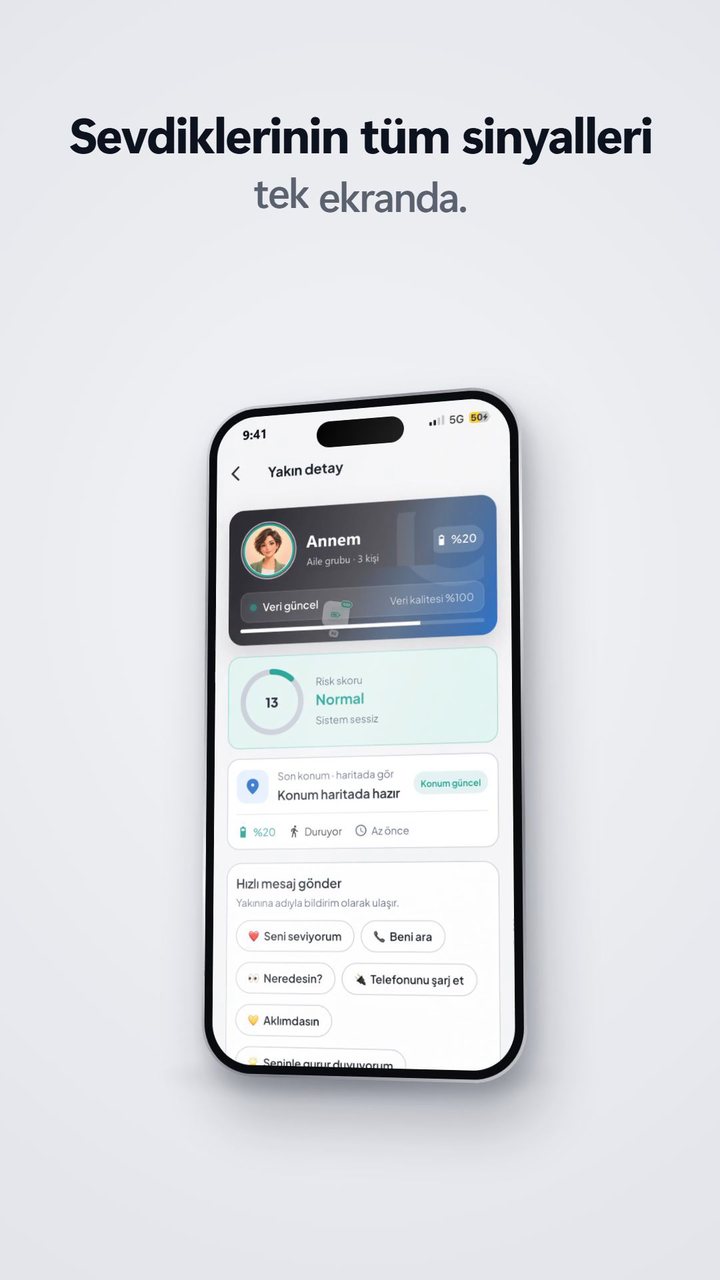
For İYİYİM! we made two vertical videos. The first is a premium app ad: real screens, a 3D phone, cards and notifications. In the second we never showed the app; we built a 40-second explainer that uses technical diagrams to show the invisible data a phone produces through the day. The client's verdict: "Honestly, zero revisions."
| Video type | Its job | Length |
|---|---|---|
| Product ad | "What does this app do?" | 15–30 s |
| Explainer | "Why does this problem matter?" | 30–60 s |
| Main promo | Every feature in order | 60–90 s |
| Store visuals | The install decision | Static |
Structure for feature-heavy apps
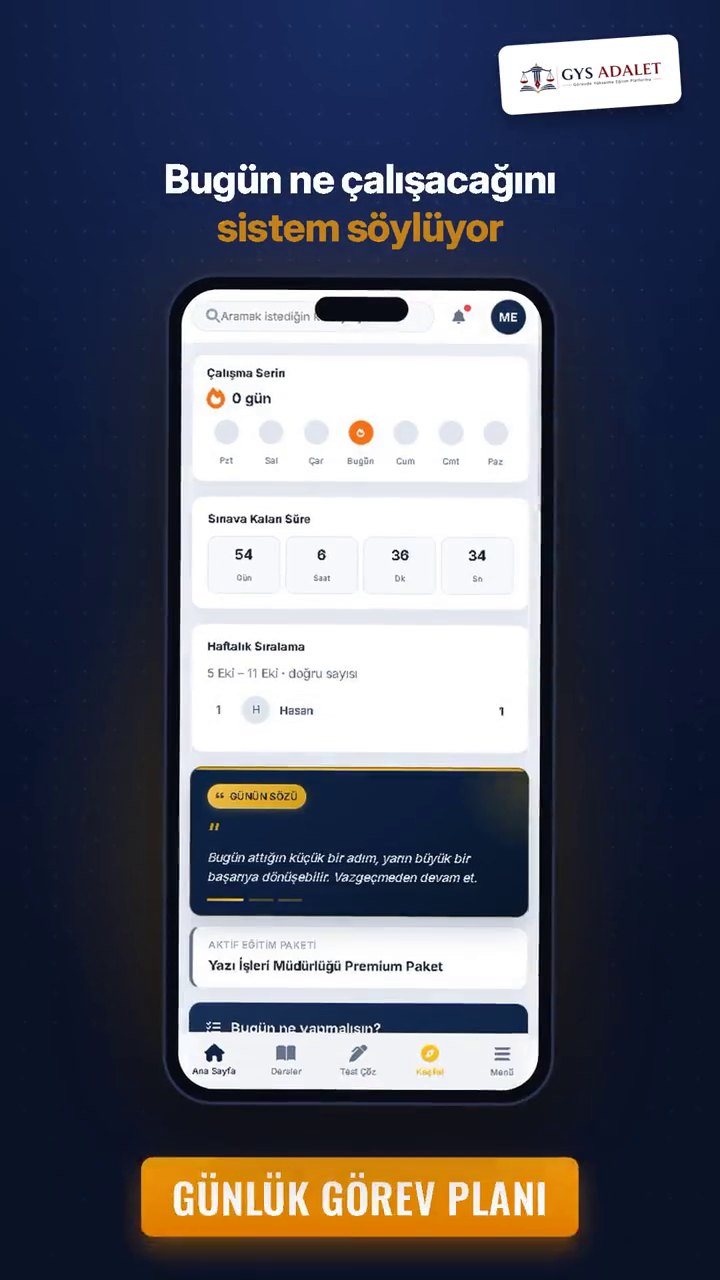
The GYS Adalet platform had a lot going on: a daily task list, laws you can listen to as a podcast, swipeable info cards, a map contest where you conquer provinces, and an AI voice interview. To tell all of it in 90 seconds we locked the edit to the voice-over's words: when it says "podcast" the headphones open, when it says "conquer a province" the map fills in. We cut two short ads out of the main film.
Store visuals in the same language
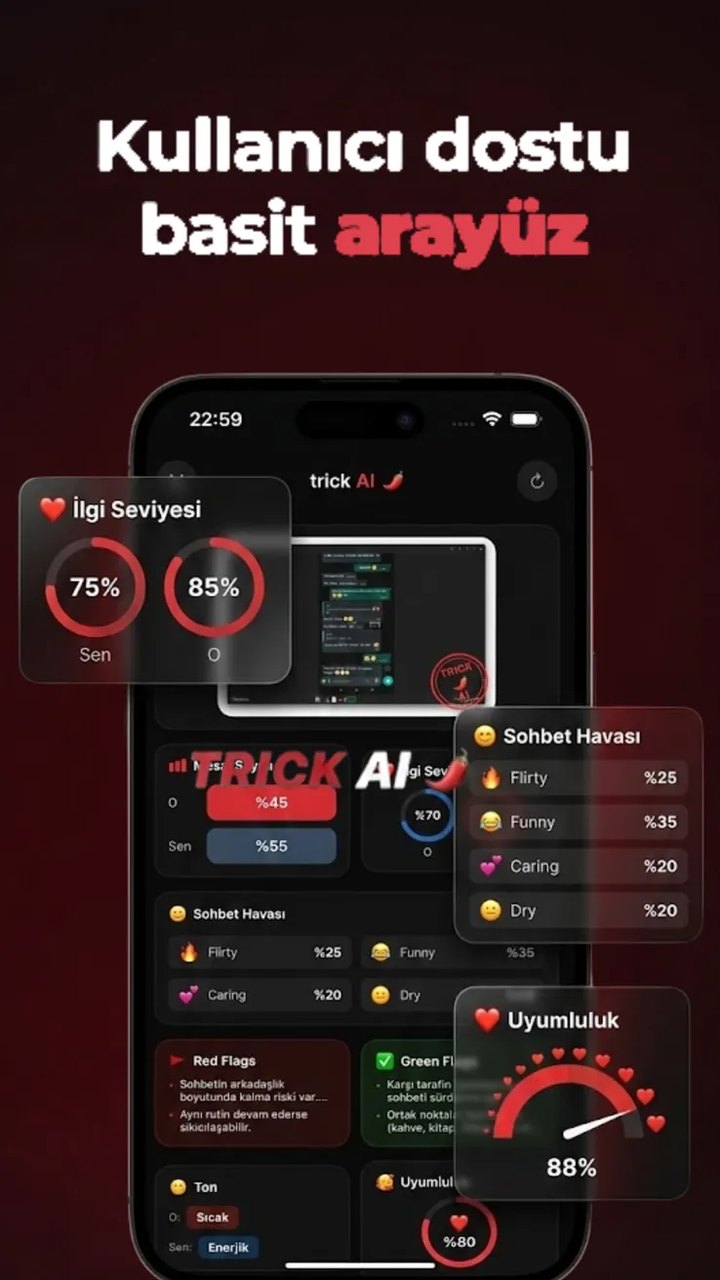
When a viewer goes from the video to the App Store or Google Play page, they should see the same world. For Trick AI we reduced every screen to a single sentence and a single phone; a dark background, red accents and a mascot robot gave a feel for the app's personality before install.
What we need from you
- Access with a test account (or screen recordings)
- Your audience and the 3 features to highlight
- Brand colours and logo, if you have them
We write the voice-over script and make the music and sound design.
Frequently asked questions
Can you make the video before the app is live?
Yes. We can work from a test build, design files (Figma etc.) or screenshots.
Will personal data show in the video?
No. Names, phone numbers, locations and similar details are cleaned in the edit or replaced with sample data.
Whose voice is the voice-over?
Depending on the need, a professional voice or an AI voice; we write the script and send it for your approval.
Do you also make store visuals?
Yes. App Store and Google Play screenshots can be made in the same visual language as the video.
Related work
Let's explain your app before anyone installs it.
Write to us about an app video ↗